In Day of Infamy the mode is a real setting, not baked into the map. You pick it on the deploy page and it decides two things at once: whether you are playing against other people or against AI, and what the objective is. Here is the full list, split into PvP and co-op.
PvP (you versus other players)
- Frontline: Tug of war over a line of objectives in the middle of the map. Both teams push, and taking the whole chain into enemy ground wins. The standard team versus team mode and the best first pick.
- Liberation: Like Frontline, there are five objectives to capture, but you can take them in any order. Reinforcement waves are limited, so flanking and timing matter more than rushing.
- Firefight: Round based. Capture all the objectives or eliminate the enemy team to win the round, and holding ground brings your reinforcements back. The most one-more-round of the PvP modes.
- Offensive: One team attacks a chain of objectives in order, and the defenders have unlimited reinforcements.
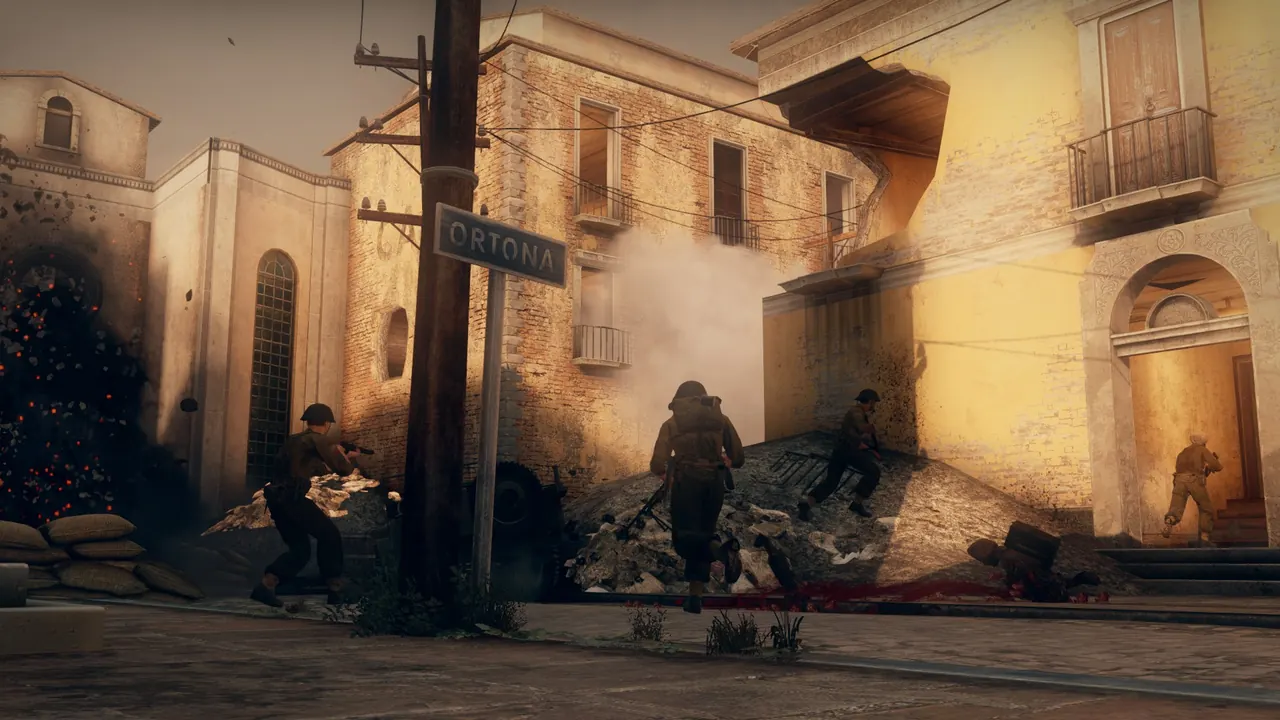
Co-op (you and friends versus AI)
- Stronghold: All players attack a chain of objectives in order, and bots hold them. Great when you want a clear push against the AI.
- Entrenchment: All players defend, and waves of bots attack. Hold each position as long as you can, then fall back and regroup.
- Raid: All players attack and destroy targets on the map while bots defend them. A good co-op opener with a clear goal.
- Patrol: A legacy co-op mode against AI. The developers took it out of the official playlist, so it may not play well. Pick another co-op mode first.
Choosing and switching modes
- Pick the mode when you deploy. It sets whether the server is PvP or co-op and the starting map.
- To switch live, change the map over the web console or rcon and pass the mode as the second word after the map name (for example, load foy with firefight). The mode follows what you load.