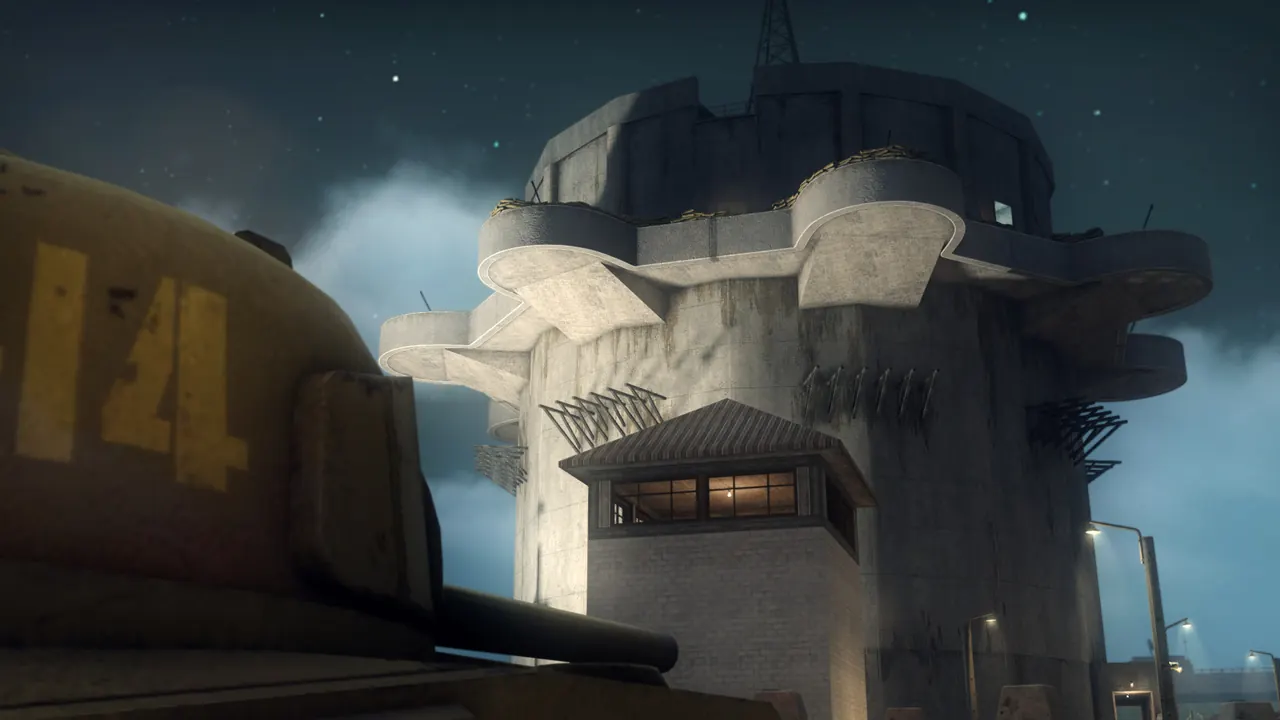
Day of Infamy is a WWII tactical FPS on the Source engine (Insurgency's WWII sibling), lethal fights with lockable objectives and callable fire support. You deployed the server, so you are the admin. It has native Source RCON, so you can run commands from the web console on your server card or from the in-game console with rcon.
How your friends join
- Open the console (~) and run:
connect IP:27015 - Or find it in the in-game server browser (Internet tab, or add by IP). Your server name starts with 2hours.gg.
If you set a Join password on deploy, friends add it first: password yourpass; connect IP:27015
Game modes
You pick the mode on deploy and the server starts on a map for that mode. Change maps with the map command below. The modes:
- Frontline: Attack/defend a chain of objectives, tug-of-war (PvP).
- Liberation: Capture the enemy flags, limited reinforcements (PvP).
- Firefight: Hold all objectives to win the round (PvP).
- Offensive: PvP: one team attacks a chain of objectives, and the defenders have unlimited reinforcements.
- Stronghold: Co-op: all players attack a chain of objectives held by bots.
- Entrenchment: Co-op: all players defend and hold the line against waves of bot attackers.
- Raid: Co-op: destroy objectives against AI.
- Patrol: Legacy co-op mode against AI. The developers took it out of the official playlist, so it may not play well. Pick another co-op mode first.
Admin over RCON
Use the web console on your server card, or the in-game console (log in once with rcon_password, then prefix commands with rcon):
map bastogne frontline- Switch map + mode (the second arg is the mp_gamemode, e.g. map foy liberation).
status- List connected players, their SteamIDs and ping.
mp_timelimit 20- Minutes before the map changes (0 = no limit).
sv_alltalk 1- Let everyone hear each other (1) or team-only voice (0).
kick <name>- Remove a player.
What ships built in
Every official map ships with the server, so nobody downloads anything. The server runs one map at a time, so change maps yourself with the map command. Custom maps need a FastDL host, which is not set up on this first release.