
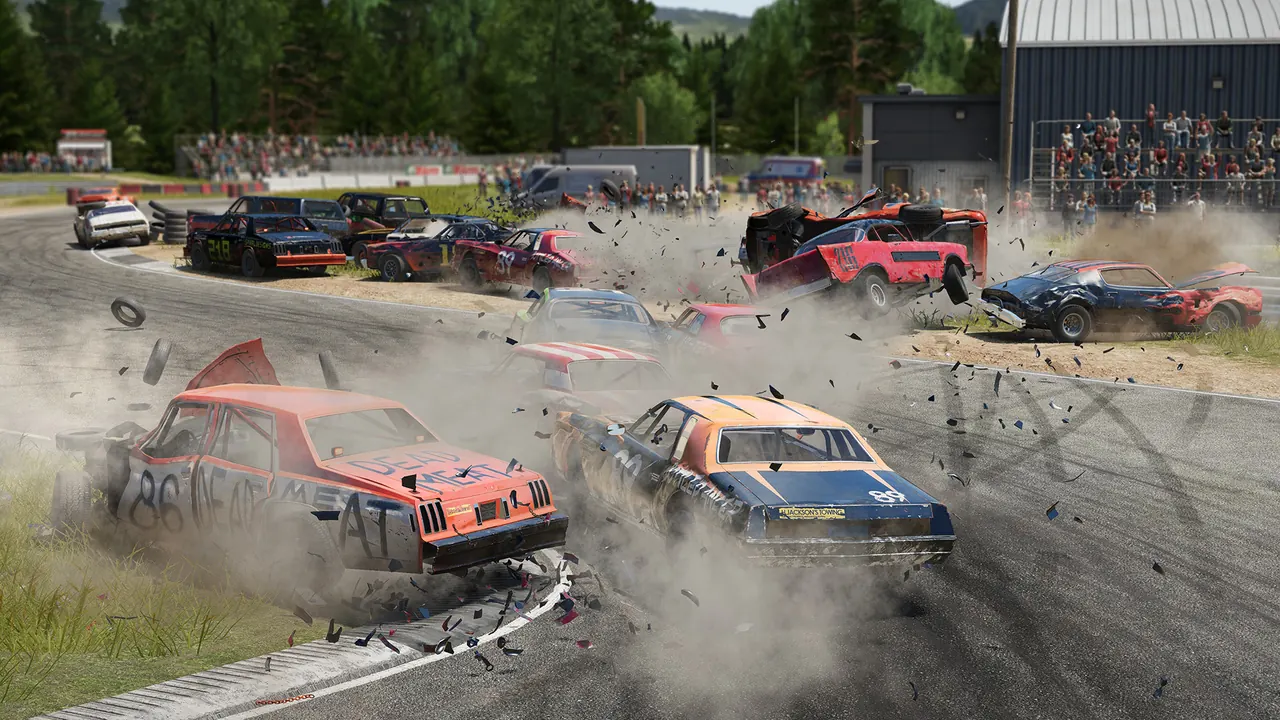
Your Wreckfest server runs demolition derby and banger racing for up to 24. You pick the mode on deploy. It is a real dedicated server, so a derby night or a race series runs without anyone hosting from their PC.
How your friends join
The server is public from the start, no port-forwarding. Wreckfest has no direct-IP or console connect, so the only way in is the in-game server browser, and you find the server by its name:
- In Wreckfest: Multiplayer, then Server Browser, and search your server by name (it starts with 2hours.gg).
- If you set a join password on deploy, they enter it at the prompt.
Modes
- Derby Deathmatch: Timed, with respawns. The most wrecks when the clock runs out wins.
- Derby / Team Derby: Last car running. Ram, wreck and survive in the arena, solo or in teams.
- Racing / Team Race / Elimination Race: Race the pack. Elimination drops the last-placed driver each lap.
Pick the mode on the deploy form. To change it, redeploy with a different pick.
Admin
Wreckfest has no web console. As the server owner your Steam account is set as admin, so you get the in-game admin options (kick, skip, restart) from the pause menu while connected. AI drivers and difficulty are set on the admin deploy form.