Team Fortress Classic is the original class-based team FPS: two teams, nine classes, capture the flag and hold the points. You deployed the server, so you are its admin. Admin here is done over RCON from the in-game console, which you open with the ~ key. This guide covers how friends join, the commands that work, and what ships built in.
How your friends join
Your server sits on a public IP, so there is no port-forwarding and no VPN. Friends join one of two ways:
- Open the console (~) and run:
connect IP:27015 - Or find it in the game server browser, Internet tab (or Favorites, add by IP). Your server name starts with 2hours.gg.
A dedicated server is joined by IP, not by a Steam friend invite. Steam "join game" only works for someone hosting from their own PC, which is exactly the setup this replaces.
Public or private
- Leave the Join password empty on deploy = public. Anyone with the IP can join and it lists in the server browser.
- Set a Join password = private. Friends set it before connecting:
password yourpassword; connect IP:27015
The nine classes
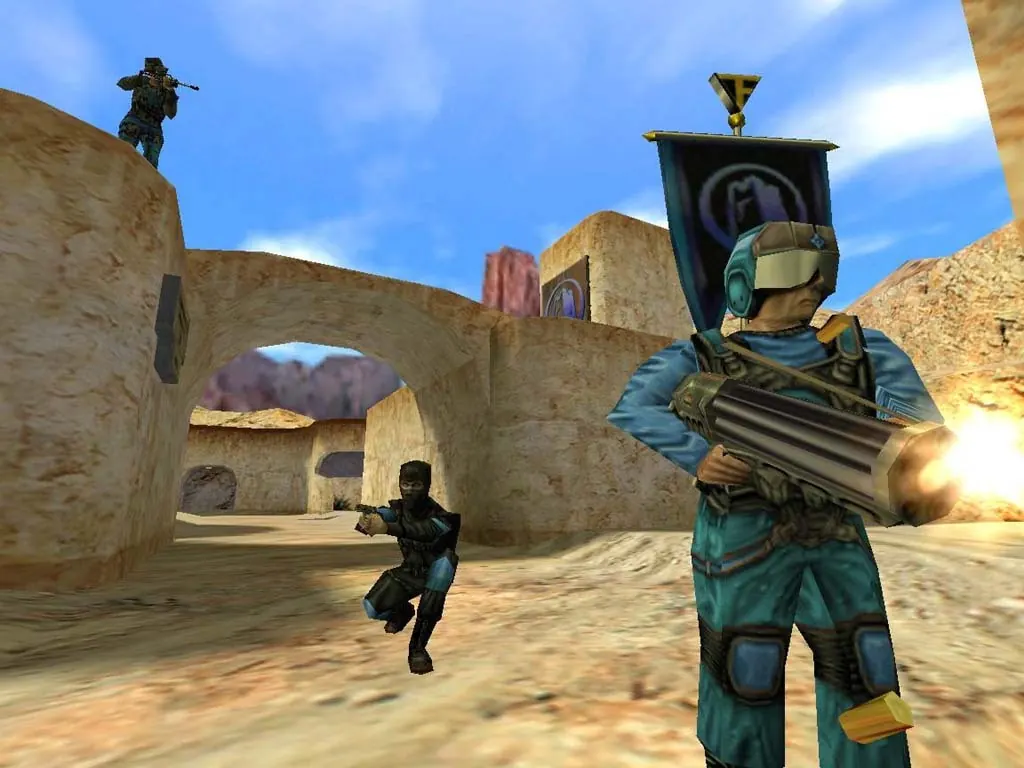
Everyone picks a class in-game from the change-class menu: Scout, Sniper, Soldier, Demoman, Medic, HWGuy, Pyro, Spy and Engineer. There is nothing to configure, players swap class whenever they respawn. TFC has no bots, so bring real people.
Maps that ship built in
Every official map comes with the game, so nobody has to download anything. Pick the starting map on deploy, or change it live from the console with rcon (see admin below). The stock pool covers every TFC map type:
2fort, well, badlands, rock2- Capture the Flag. 2Fort is the iconic one: grab the enemy flag from their basement and bring it home. Rock 2 is a twist: steal the enemy key and gas their base.
dustbowl, avanti- Attack and Defend. One team pushes through control points on a timer, the other holds.
warpath- Territorial Control. Teams fight over a line of command points across the map.
hunted- The Hunted. One player is the VIP the bodyguards escort and the assassins try to stop.
Custom community maps are not delivered automatically: that needs a FastDL host, which is not set up on the first release. Everyone plays the maps that ship with the game.
Admin over RCON (you are the owner)
TFC has no in-game admin menu. You run admin commands over RCON from the console. Your server has a random RCON password, shown on the server card after you deploy. Type it once per session, then prefix each admin command with rcon:
rcon_password yourpassword- Log in as admin for this session (use the password from the server card). Do this once, then use rcon below.
rcon status- List connected players with their user id, ping and the current map.
rcon changelevel <map>- Switch map now, for example rcon changelevel dustbowl. Players briefly reconnect.
rcon kick <name>- Remove a player by name (or use rcon users first to get their user id).
rcon mp_timelimit <minutes>- Minutes before the map rotates (0 = no limit). Default 30.
rcon mp_teamplay <flags>- Teamplay rules bitmask. In TFC this, not mp_friendlyfire, sets team damage. Your server runs 21, the standard value: teammates take no health damage from each other, but armor damage still applies. Use a TFC teamplay calculator for other values.
The web console here speaks GoldSrc RCON (UDP), so you can run these commands from the browser or from the in-game console — both do the same thing.