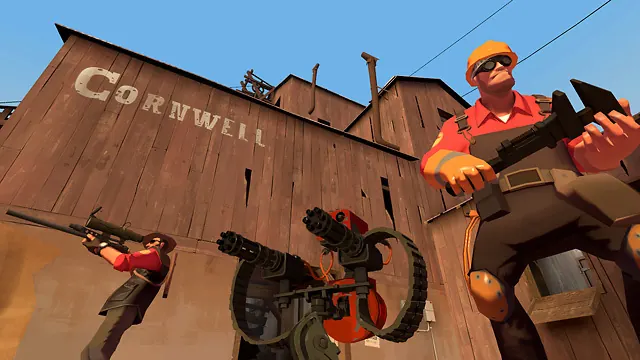
A fresh TF2 server is empty and no fun with two friends. Ours fills the empty seats with AI bots that play the objective and leave as real players connect, so the game feels full from the first minute. These are the friendly built-in TF2 bots, not the aimbots that plague Casual.
On by default
Bots are on out of the box and fill the server up to its player cap. As friends join, bots drop out to make room, one for one. When your friends leave, bots come back. You do not have to configure anything.
Change the count or difficulty
Use the Bots section in the web console, or these commands:
tf_bot_quota 12: keep the server topped up to 12 total players (bots fill the difference).tf_bot_quota 0: turn bots off completely for a pure human game.tf_bot_difficulty 2: set skill: 0 easy, 1 normal, 2 hard, 3 expert. Expert bots aim and react like strong players (Expert Snipers go for the head), so Normal or Hard is best for a mixed group.
Which maps bots play
TF2 bots need a navigation mesh for the map, and the TF2 dedicated server ships none. We install a mesh for every map in the picker, so bots work on all of them. They are strongest on King of the Hill, Payload, Control Point, Attack/Defend and Arena.
The one honest exception is Capture the Flag (2Fort, Turbine and friends). Bots move around fine but rarely grab or cap the intelligence, so CTF is best with humans. If you load a map with no mesh, TF2 just adds no bots rather than leaving them standing around.
What bots can do
Bots play all nine classes with stock weapons, capture points, push and defend the cart, and hold the hill. They are a genuinely good pub filler. They do not do complex teamplay like coordinated uber pushes, so a full human server is still the peak. That is the point: bots keep the game alive until your friends show up.