Half-Life 2: Deathmatch runs on a Source dedicated server, so if you have ever hosted a Source game it will feel familiar. Two things carry the whole setup: the launch line, where the map, mode and player count live, and a small server.cfg for the name and passwords. Here is the whole thing.
Install the server
The HL2:DM dedicated server is app 232370 and installs anonymously. You do not need a Steam login and you do not need to own the game on the server account:
./steamcmd.sh +login anonymous \
  +app_update 232370 validate \
  +quit
The game folder is hl2mp, and the config it reads on boot is:
<install>/hl2mp/cfg/server.cfgA vanilla server.cfg
Only the name, the passwords and the rules go here. Map and player count are launch args (below). Paste this and change the lines marked CHANGE ME:
// --- Identity ---
hostname "My HL2:DM Server"          // CHANGE ME
rcon_password "pick-a-long-secret"   // CHANGE ME - admin console over RCON

// --- Lock it down ---
sv_password ""                       // set a word here = private, blank = open
sv_lan 0                             // 0 = public/Steam, 1 = LAN only
sv_cheats 0

// --- Rules ---
mp_teamplay 0                        // 0 = free-for-all, 1 = team deathmatch
mp_fraglimit 0                       // end the map at n kills, 0 = no limit
mp_timelimit 20                      // end the map after n minutes, 0 = no limit
The launch line
HL2:DM launches through srcds_run at the install root. The starting map and the player cap are arguments here, not in the config:
./srcds_run -game hl2mp -console \
  -port 27015 \
  +map dm_lockdown \
  +maxplayers 16 \
+exec server.cfg- The stock maps are dm_lockdown, dm_overwatch, dm_powerhouse, dm_resistance, dm_runoff, dm_steamlab and dm_underpass. Any of them can be the +map here.
- maxplayers 16 is a good HL2:DM number. The stock maps get chaotic much past that.
- Port 27015 is the game and query port. Open it for UDP (and TCP if you use RCON) in your firewall.
Free-for-all or team deathmatch
HL2:DM has one switch for this: mp_teamplay. Set it to 1 for team deathmatch or 0 for free-for-all. It takes effect on the next map load, so change it and then run a changelevel. That is the whole mode system, there are no other official modes.
A note on bots
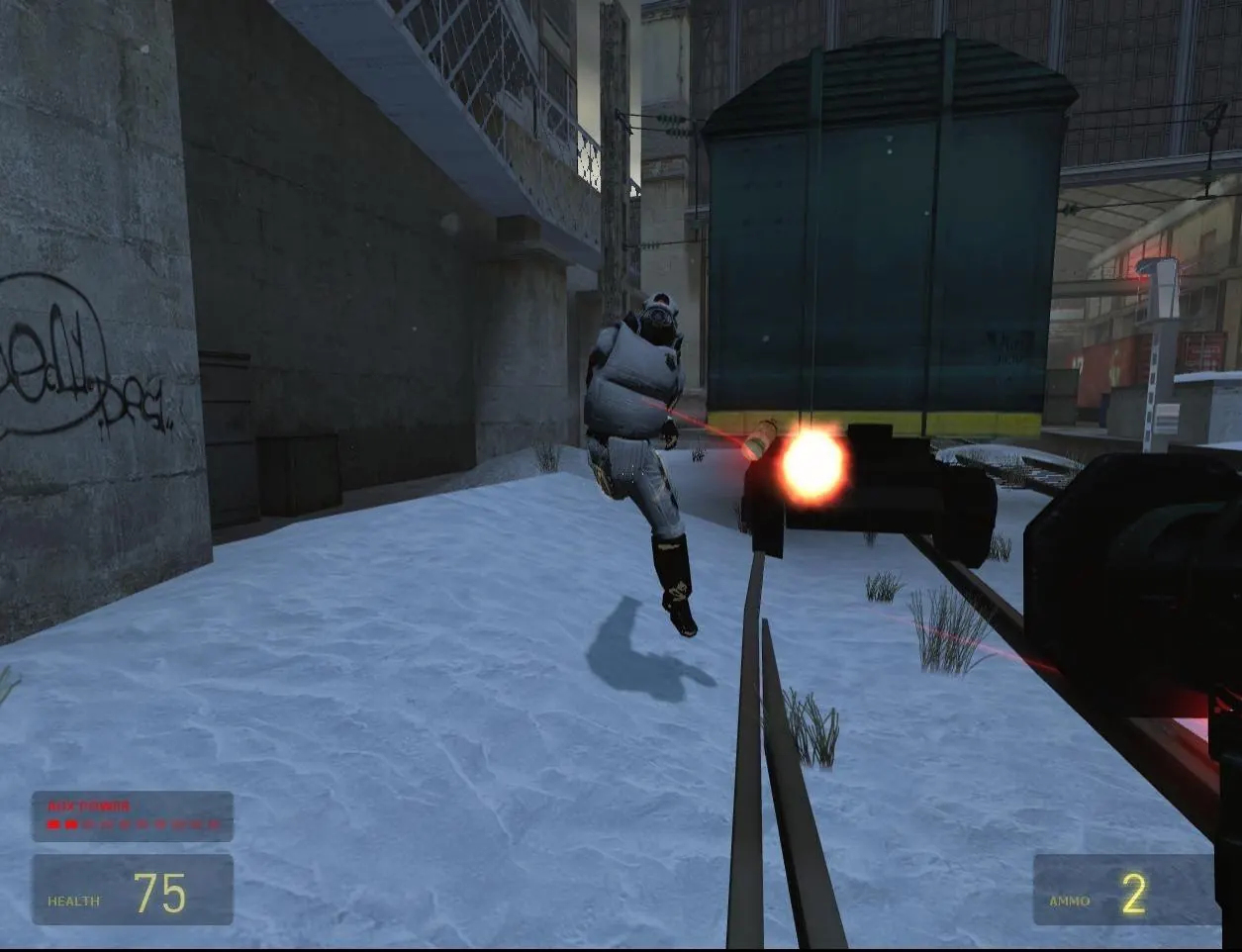
HL2:DM has no built-in bots, so the server needs real players to be any fun. That is the one reason to host it somewhere public rather than on a home PC: friends can drop in at any time without you keeping your machine on.