
Black Mesa is best known as a single-player game, so most people never realise it has multiplayer at all. It does: an arena Deathmatch mode, and (through a server-side plugin) the full Half-Life campaign played co-op. Both run on a normal Source dedicated server. The catch is that the Black Mesa Linux server has two boot problems that are barely documented anywhere, and they will stop your server dead before it ever loads a map. This guide covers the whole setup, both gotchas included.
Install the server
The Black Mesa dedicated server is app 346680 and installs anonymously (no Steam login, and you do not need to own the game on the server account). It is about 29 GB because it ships the full game content, including the campaign maps you need for co-op:
./steamcmd.sh +login anonymous \
  +app_update 346680 validate \
  +quit
If that first run fails with "Missing configuration", just run it again. SteamCMD often errors on its very first invocation and works on the second. The game directory is bms, so the config lives at:
<install>/bms/cfg/server.cfgGotcha 1: it exits instantly (the _srv symlink fix)
This is the big one. Out of the box the server starts, prints a few Steam lines, reaches "Calling BreakpadMiniDumpSystemInit", and then just exits cleanly, before loading any map. It looks like a crash but there is no error. The reason: the install ships only the server variants of its engine libraries (dedicated_srv.so, engine_srv.so, server_srv.so), but the launcher loads the non-_srv names. They do not exist, so it gives up. The fix is three symlinks:
cd <install>
ln -sf bin/dedicated_srv.so  bin/dedicated.so
ln -sf bin/engine_srv.so     bin/engine.so
ln -sf bms/bin/server_srv.so bms/bin/server.so
With those in place the engine loads and the server reaches map load. This is the single most common reason a Black Mesa Linux server "will not start".
Gotcha 2: do not use -console
The usual srcds habit is to launch with -console. On Black Mesa, under systemd or any setup where the process has no interactive terminal, -console makes the server read its stdin, hit end-of-file immediately, and shut itself down, again right after Steam init. Drop -console. If you want the console output in a file for debugging, use -condebug instead, which writes bms/console.log. Run commands over RCON rather than the console.
A Deathmatch server.cfg
Identity, access and a few match settings go in the config. The map and player count are launch args (below). Paste this and change the values marked CHANGE ME:
// --- Identity ---
hostname "My Black Mesa Server"        // CHANGE ME
rcon_password "pick-a-long-secret"     // CHANGE ME - admin over RCON

// --- Access ---
sv_password ""                          // join password, blank = open
sv_lan 0                                // 0 = public/Steam; 1 = LAN only

// --- Deathmatch ---
mp_timelimit 30
mp_falldamage 1
sv_alltalk 0
Note there is no bot system in Black Mesa Deathmatch, so there are no bot_quota style cvars to set. An empty server stays empty until players join.
The launch line
With the symlinks in place and -console removed, launch it. The map and max players live here, not in the config:
./srcds_run -game bms \
  -port 27015 \
  -condebug -nominidumps \
  +exec server.cfg \
  +maxplayers 16 \
  +map dm_gasworks
The 32-bit engine needs steamclient.so where it expects it: symlink it into ~/.steam/sdk32/steamclient.so from your SteamCMD install. One more quirk worth knowing: the server answers A2S status queries on its real network interface, not on 127.0.0.1, so if a local query times out, query the machine IP instead. It is working; loopback just is not the right address.
Deathmatch maps
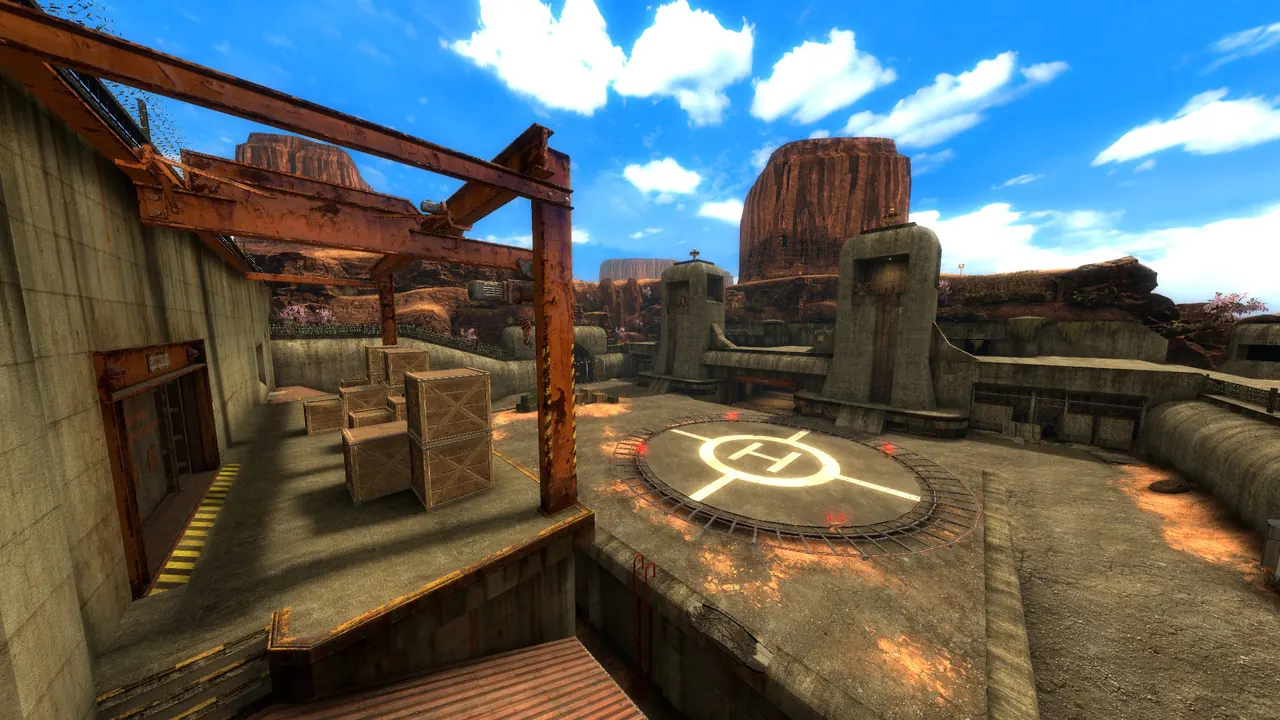
The stock Deathmatch maps ship with the server (all start with dm_):
dm_gasworks   dm_bounce     dm_chopper
dm_crossfire  dm_lambdabunker dm_power
dm_rail       dm_stack      dm_stalkyard
dm_subtransit dm_undertow   dm_boom
Set the rotation in bms/cfg/mapcycle.txt, one map per line.
Co-op: play the campaign together (SourceCoop)
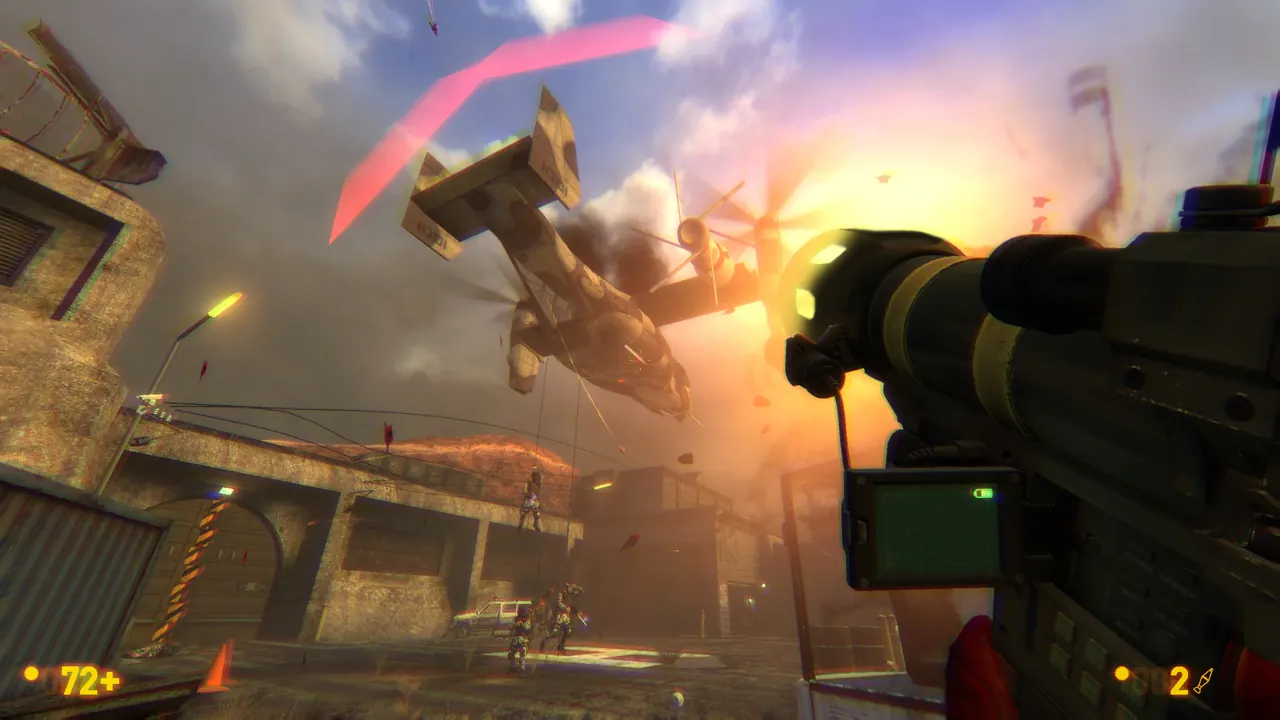
The campaign co-op is the real draw, and it is server-side only: your friends need nothing but Black Mesa itself. It works because the campaign maps (bm_c0a0a onward) are already packed inside the dedicated server install, so co-op needs no extra downloads and no owning account. You add three things to the server:
- MetaMod:Source (the plugin loader)
- SourceMod (the plugin runtime) (use 1.12 or newer: SourceCoop 1.6 is built for it and will not load on 1.11)
- SourceCoop (the co-op plugin itself), from the ampreeT/SourceCoop releases
All three extract into the bms/ game directory (their addons folders merge). Then start the campaign from the first map and let the plugin drive the chapter-to-chapter progression:
./srcds_run -game bms -port 27015 \
  -condebug -nominidumps \
  +exec server.cfg \
  +maxplayers 8 \
  +map bm_c0a0a
Useful SourceCoop cvars in server.cfg: sourcecoop_difficulty_auto (scales difficulty with player count; -1 turns it off), sourcecoop_survival_mode (0 off, 1 respawn everyone when all players are dead, 2 restart the map), and sourcecoop_homemap (where to return after the campaign ends). Players join from the in-game multiplayer menu exactly like Deathmatch.
Joining
Once it is up, friends connect from the Black Mesa multiplayer menu, or straight from the game console:
connect your.server.ip:27015Open UDP 27015 for the game and A2S query, and TCP 27015 for RCON, in your firewall.