
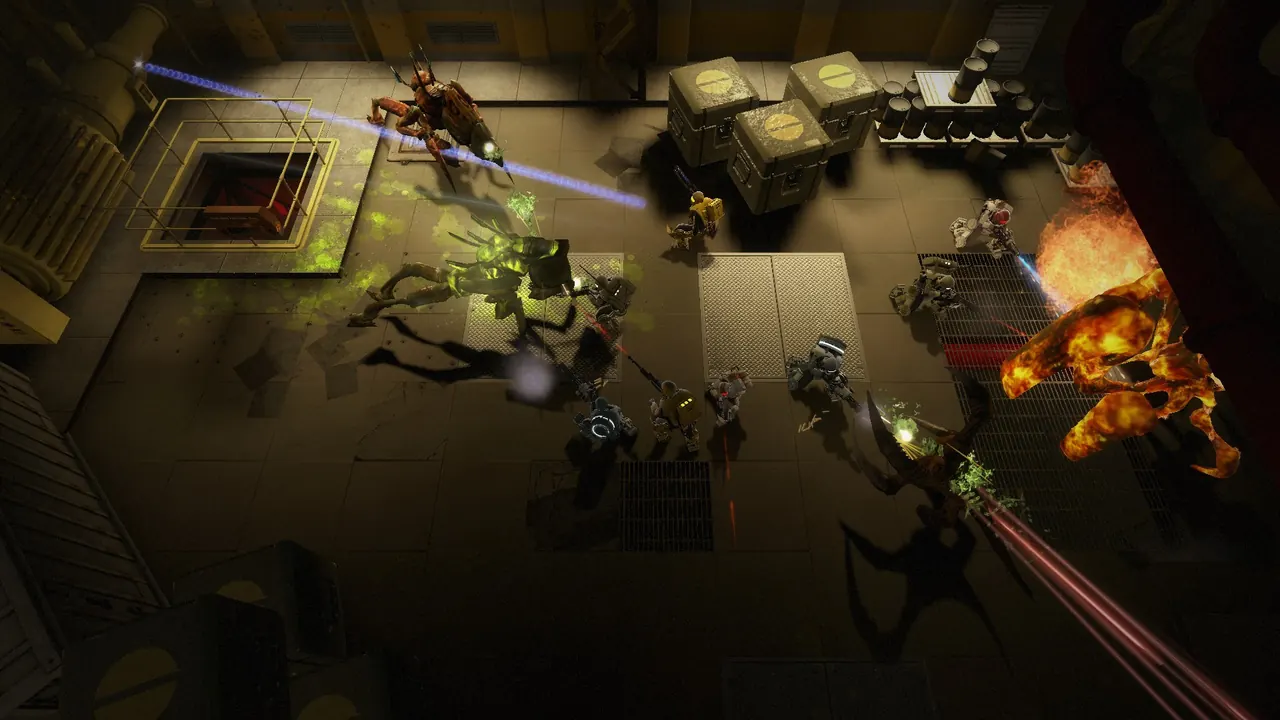
Alien Swarm: Reactive Drop is a free top-down co-op shooter. Your 2hours.gg server is a real dedicated box, so up to 8 marines can drop in together. This is how to join it and run it.
Joining
Two ways in:
- In-game: Play > Multiplayer > find your server by the name you set (the default starts with 2hours.gg), or use Direct Connect by IP.
- From the console:
connect IP:27015. With a join password, run password YOURPASS; connect IP:27015 instead.
Missions and difficulty
The server starts in the lobby. Everyone picks missions and difficulty from the in-game lobby before launching a drop, so there is no mode or map to set when you deploy. Vote a campaign, set the difficulty, and go.
Admin console (RCON)
You deployed the server, so you are the admin. Run these from the web console (it speaks native Source RCON) or the in-game console:
status: list connected players and their IDs.kick "name": kick a player by name.banid 30 STEAM_ID: ban a player for 30 minutes (0 = permanent).changelevel lobby: return everyone to the lobby to pick a new mission.sv_password yourpass: set or change the join password (empty string clears it).
The player cap is set by the size you pick on deploy. It cannot be changed from the console.