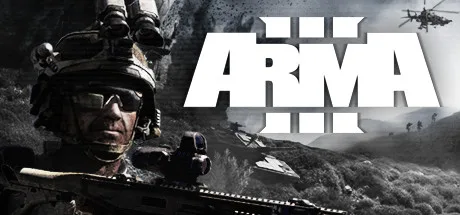
Arma 3 is a large-scale milsim co-op game. Your server is 100% vanilla: no mods and no extra DLC are needed to play, because the scenarios ship baked into the server. It is a real dedicated server, so a mission runs without anyone hosting from their PC.
How your friends join
The easiest way is Direct Connect. Nobody needs to install anything first, and there is no anti-cheat prompt to fight (we ship BattlEye off, since these are private servers for you and your friends).
- In Arma 3, open Multiplayer, then Direct Connect.
- Enter the server IP, set the port to 2302, and add the password if you set one on deploy.
- Connect, pick a slot in the lobby, and click Continue to spawn in.
Or find it in the in-game server browser: your server name starts with 2hours.gg. The IP and port 2302 are on your server card. If the browser shows "some DLC missing", that is harmless: the server carries all the official DLC add-ons, and you can still play any base-game scenario without owning them.
New to Arma? The controls that catch everyone
Arma is not like other shooters. The two things that trip up new players are stance and pace:
- Stand up: tap X (X toggles crouch and standing). Z is prone. Hold Left Ctrl and tap W or S to raise or lower your stance step by step.
- Move with W A S D, sprint with Left Shift. Aim down sights with the right mouse button, fire with the left, reload with R.
- Map is M, gear and inventory is I. Your AI squad crouches when it senses danger, which is normal; it will stand and move as you advance.
The scenarios
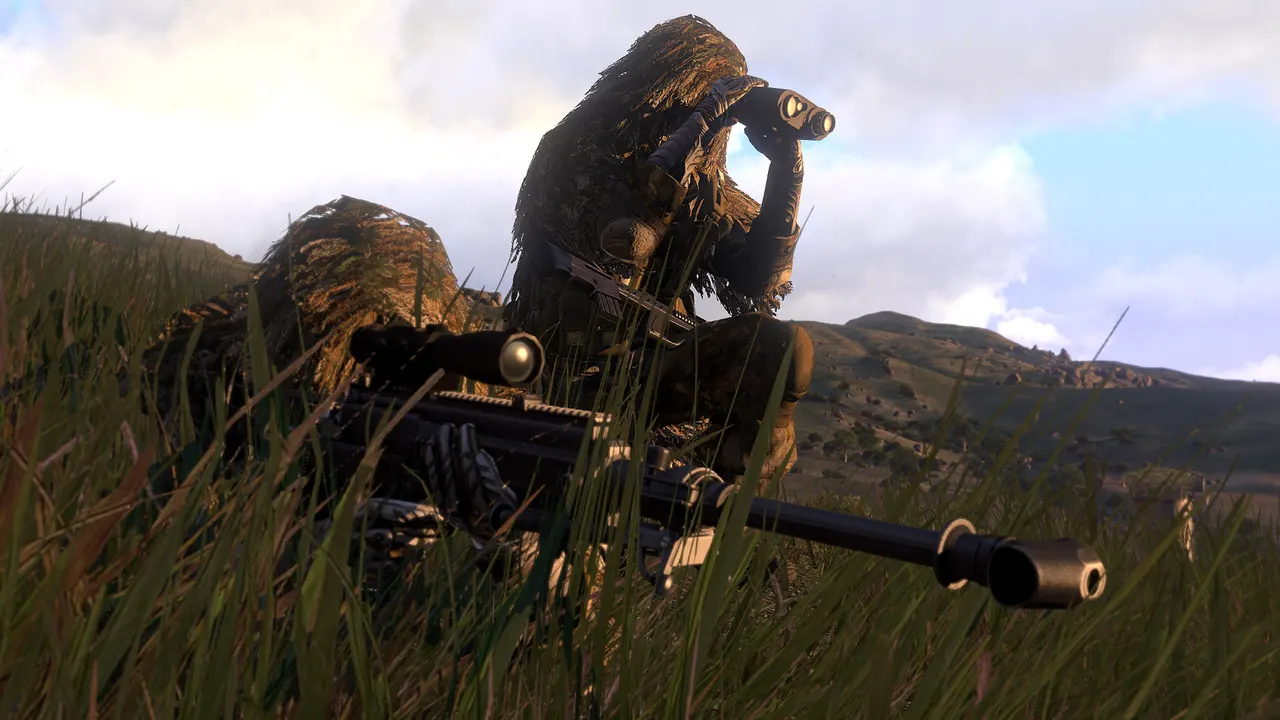
Pick the scenario on deploy. All of them are vanilla and run on base-game terrains. One scenario runs per server, so pick the one your group wants:
- Zeus Game Master: One player builds the fight live for the squad, spawning enemies, vehicles and objectives while everyone else plays. Great at 4 to 16 players.
- Co-op missions: Official co-op scenarios against AI, on Stratis and Altis. You spawn straight into the objective, no setup.
- Warlords: Faction PvPvE that captures sectors across the map. Scales to larger groups. Available on Altis, Stratis and Malden.
Altis, Stratis and Malden are all base-game terrains (Malden is a free DLC everyone already has).
Becoming admin
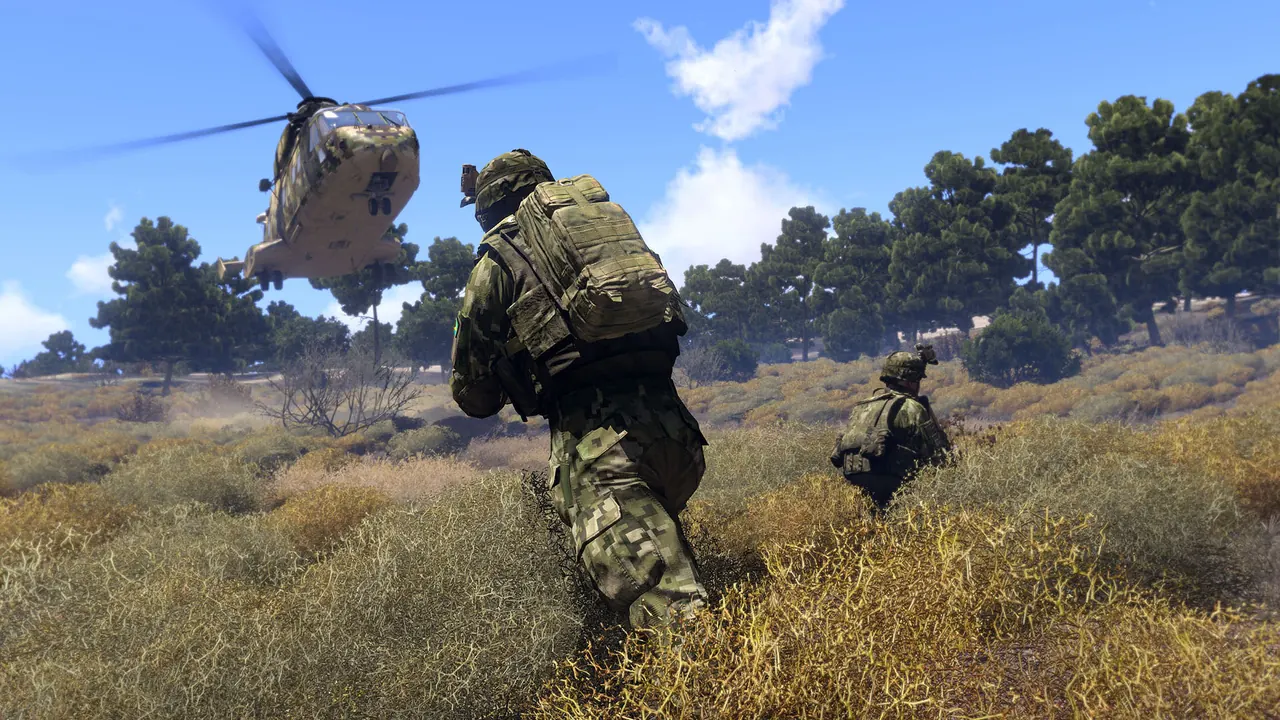
Arma admin runs in-game, not through a web panel (Arma uses BattlEye UDP for admin, which our browser console cannot drive). Your Steam account is on the server admin whitelist, so you log in with #login and no password:
- Open the chat bar (default key is the forward slash, or check Options then Controls and search for chat).
- Type #login and press Enter. You should see "you are Admin".
- Now the # commands work: #restart to restart the round, #kick and #ban, #lock and #unlock, #monitor 5 for a live server FPS readout.
- Type #missions to switch the scenario live: it lists all the official scenarios baked into the server (Zeus Game Master, the co-op missions, Warlords and more, around a dozen in total), so you can rotate between them without deploying a new server.
#loginRun Zeus Game Master
Zeus is the best small-group Arma experience: you float over the map and build the whole fight live. Deploy a Zeus Game Master scenario, then:
- In the lobby, pick a Game Master slot (not a rifleman slot), then Continue.
- Press Y (the default Zeus key) to open the Game Master interface.
- Double-click empty ground to open the place menu (units, groups, vehicles, objects). Drag a placed unit to move it, select it and press Delete to remove it. Mouse wheel zooms, W A S D pans.
- Drop a few enemies near your squad and the fight kicks off. You keep directing it while your friends play on the ground.
What does not work
- No web console. Admin happens in-game with the # commands above.
- No mods in this version. ACE, RHS and other mod packs are not included; the server is pure vanilla.
- The scenario you pick on deploy is just the starting one. As admin you can switch to any of the other official scenarios in-game with #missions (see above), but the server runs one at a time.